Creating a Blog for Beginners: A Step-by-Step Guide to Starting a Successful Blog
Welcome to the world of blogging. In this comprehensive guide, we will take you through the process of creating a blog from scratch. You will learn how to start a blog, choose a niche, select a blogging platform, and optimize your blog for search engines. By the end of this tutorial, you will have a fully functional blog up and running, and you will be ready to share your thoughts, ideas, and expertise with the world. Whether you want to create a blog for personal or professional reasons, this guide will provide you with the necessary tools and knowledge to get started.
Step 1: Choose a Niche for Your Blog
The first step in creating a blog is to choose a niche or topic that you want to focus on. This could be anything from fashion, beauty, or lifestyle to technology, travel, or food. It's essential to choose a niche that you are passionate about and have some expertise in, as this will make it easier to create content and attract an audience. Consider what you enjoy talking about, what you're good at, and what problems you can solve for your readers. For example, if you're a fashion enthusiast, you could create a blog that focuses on the latest trends, styling tips, and product reviews. 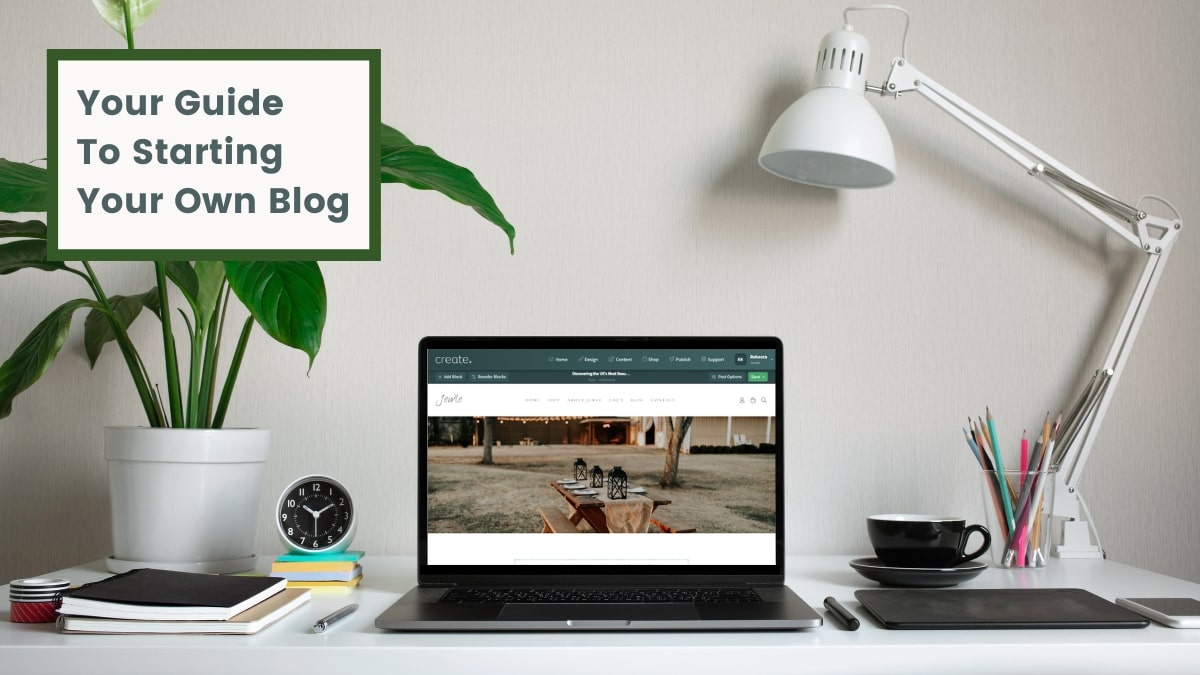
Step 2: Select a Blogging Platform
Once you've chosen a niche, it's time to select a blogging platform. There are many options available, including WordPress, Blogger, and Medium. Each platform has its pros and cons, so it's essential to do some research and choose the one that best fits your needs. Consider factors such as ease of use, customization options, and integrations with social media and other tools. For example, WordPress is a popular choice among bloggers because it's highly customizable and has a large community of users and developers. 
Step 3: Register a Domain Name and Web Hosting
After selecting a blogging platform, you need to register a domain name and web hosting. A domain name is the address of your blog on the internet (e.g., example.com), while web hosting is the service that stores your blog's files and makes them accessible to visitors. You can register a domain name and web hosting through companies such as GoDaddy, Bluehost, or SiteGround. Choose a domain name that is memorable, easy to spell, and relevant to your niche. For example, if you're creating a fashion blog, you could register a domain name like fashionista.com. 
Step 4: Set Up Your Blogging Platform
Once you've registered a domain name and web hosting, it's time to set up your blogging platform. This involves installing the platform on your web hosting account and configuring the basic settings. Most blogging platforms have a straightforward setup process, and many web hosting companies offer 1-click installations. For example, if you're using WordPress, you can install it on your web hosting account in just a few clicks. 
Step 5: Customize Your Blog's Design and Layout
After setting up your blogging platform, it's time to customize your blog's design and layout. This involves choosing a theme, installing plugins, and configuring the basic settings. Most blogging platforms have a wide range of free and paid themes available, so you can choose one that fits your niche and style. For example, if you're creating a fashion blog, you could choose a theme that is clean, modern, and visually appealing. 
Step 6: Create High-Quality Content
Once you've customized your blog's design and layout, it's time to create high-quality content. This involves writing and publishing blog posts, creating images and videos, and optimizing your content for search engines. Consider what problems you can solve for your readers, what questions you can answer, and what value you can provide. For example, if you're creating a fashion blog, you could write posts about the latest trends, share styling tips, and review fashion products. 
Step 7: Promote Your Blog
After creating high-quality content, it's time to promote your blog. This involves sharing your content on social media, engaging with your audience, and building relationships with other bloggers. Consider what social media platforms your target audience uses, what type of content they engage with, and how you can provide value to them. For example, if you're creating a fashion blog, you could share your content on Instagram, Facebook, and Twitter, and engage with your audience by responding to comments and messages. 
Step 8: Optimize Your Blog for Search Engines
Finally, it's time to optimize your blog for search engines. This involves using keywords, meta descriptions, and optimizing images and videos. Consider what keywords your target audience uses, what type of content they search for, and how you can provide value to them. For example, if you're creating a fashion blog, you could use keywords like "fashion trends," "styling tips," and "fashion products." 
Frequently Asked Questions:
- Q: What is the best blogging platform for beginners?
- A: The best blogging platform for beginners is WordPress, as it is highly customizable and has a large community of users and developers.
- Q: How do I choose a niche for my blog?
- A: Choose a niche that you are passionate about and have some expertise in, as this will make it easier to create content and attract an audience.
- Q: How do I promote my blog on social media?
- A: Share your content on social media, engage with your audience, and build relationships with other bloggers to promote your blog.
How To Start A Blog For Beginners In 2026 - Easy Guide
How to Start a Blog For Beginners in 2026 - Easy Guide
How To Create A Blog: A Beginner's Guide | PCMag

How to Create a Blog: A Beginner's Guide | PCMag
How To Write A Blog For Beginners: [7 Easy Steps]
![How To Write A Blog For Beginners: [7 Easy Steps]](https://www.tecligster.com/wp-content/uploads/2022/11/How-to-5.jpg)
How To Write A Blog For Beginners: [7 Easy Steps]